



How it works
A farm, an outline, a walk or a Mini 4 Pro pass, then the surface, the history, the air, and the alerts.
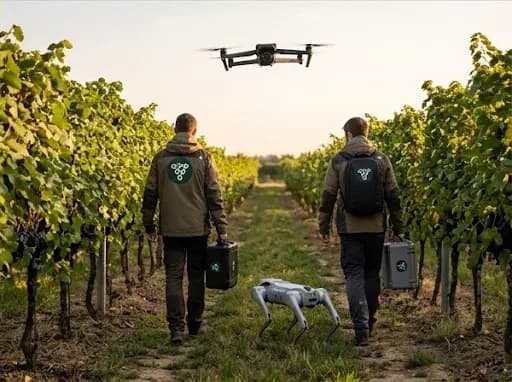
Farms and parcels
A farm is a name. You attach parcels to it. Each parcel keeps its own outline and its own fiche: the crop, the variety, the campaign year, the dates, and the photos.
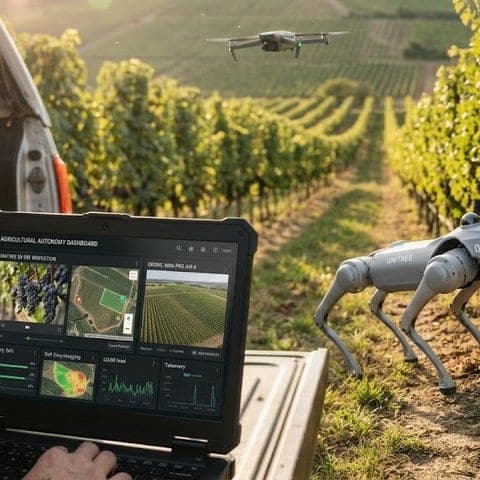
Draw the outline
Zoom in. Cadastre lots and agricultural parcels show as light outlines. Click one. When a block comes back, keep that line: drag a corner, add a point, trim, or merge. While you edit, the stroke is orange. If nothing comes back, draw the line yourself. A closed outline is what the 3D walk follows.
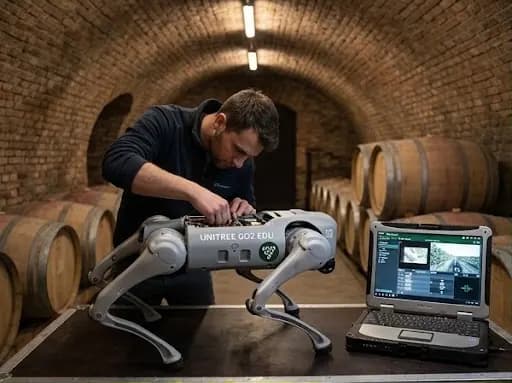
Walk with the phone
The walk asks for the camera, location, and the phone's direction. Row sections are drawn on the ground ahead. A section clears only when the server has stored its picture. If the connection drops, the pictures wait on the phone and go out in order. A vine stops at each plant. Corn stops every 8 m. Wheat and grass stop every 12 m.
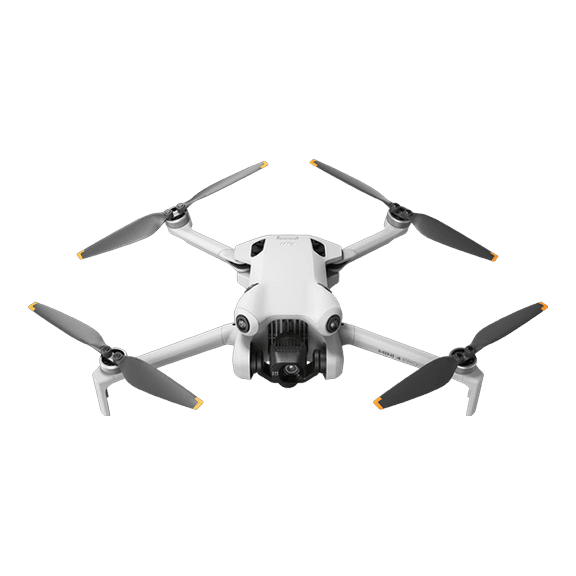
Fly the Mini 4 Pro
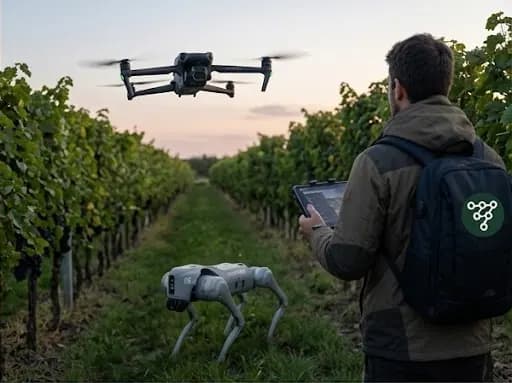
The remote is the RC N3 or the RC N2. The pilot app installs on an Android phone, which plugs into the remote over USB-C. A pairing code from the account links the aircraft. The pass records the same field surface, and it can stay inside the outline.
See the field in 3D
The 3D view shows the field model when one is ready, with the coverage on top. Open a row section or a path cone for the walk pictures. The Path control shows the walk on the ground.
Look back
The history strip lists the walks, with the date and the device. Pick a moment and the map draws the surface, the row sections, and the path as they were then. A day with several walks offers earlier and later that day.
Air
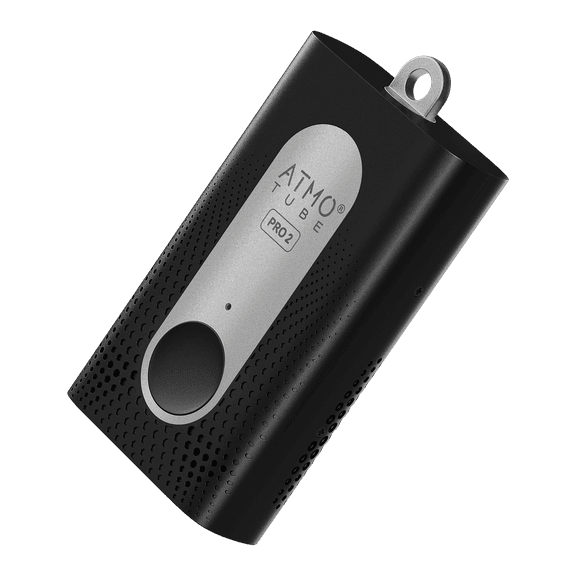
The Atmotube PRO 2 stores readings with a position. The Air layer colors them. PM2.5 is the default, and PM10 uses the WHO 2021 24-hour levels. A spot reading is not a daily mean. The color places the value.
Alerts
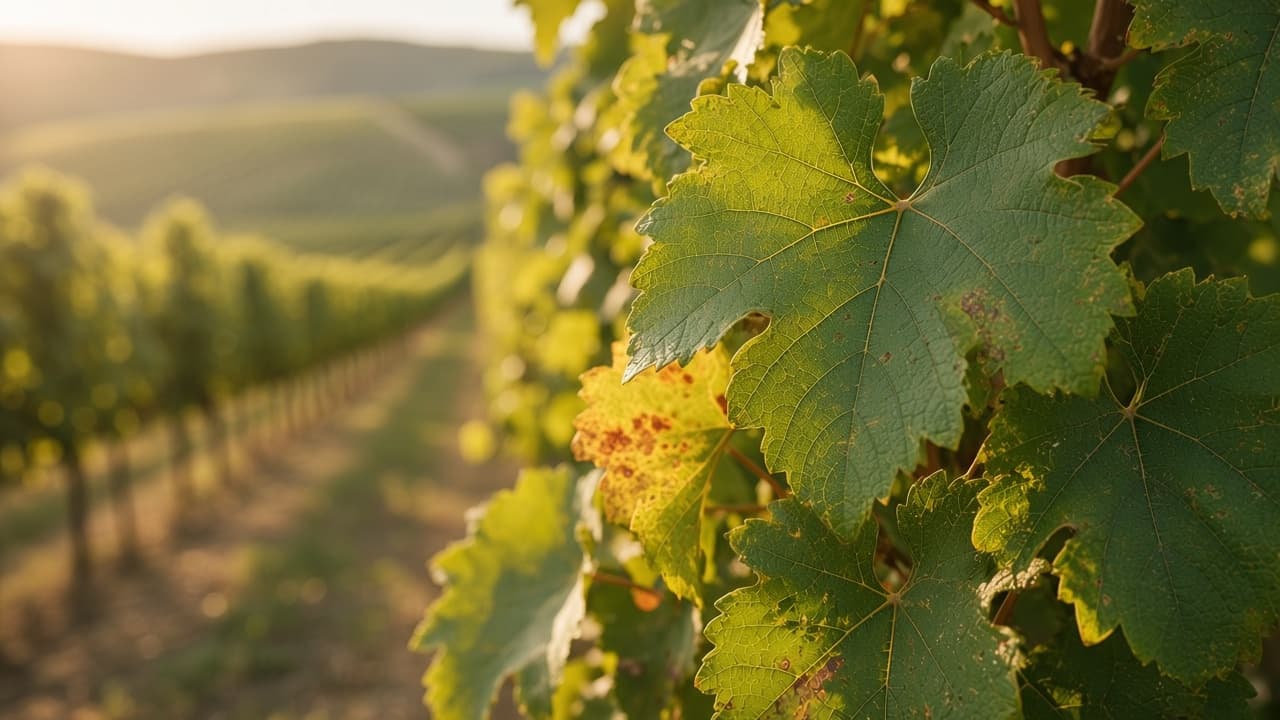
Each alert belongs to one parcel and comes from a photo on a walk. The list keeps it when browser notifications are off.
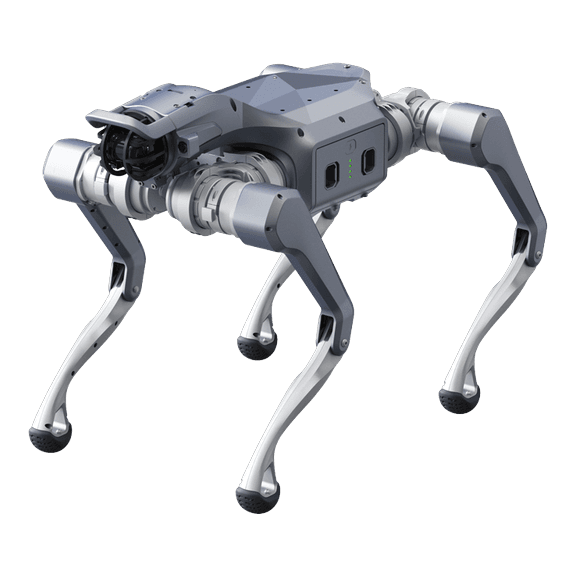
Devices to come
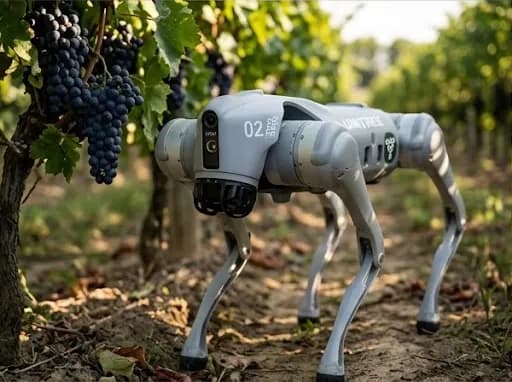
Unitree Go2 is planned. No date.