



The fiche
The card under the list row shows the parcel, its campaign, and its photos.
Click a parcel in the list. The fiche opens under that row, and the top of the card moves to the top of the list, including for the last parcels. Click the same row again to close it. The map centers on the parcel.
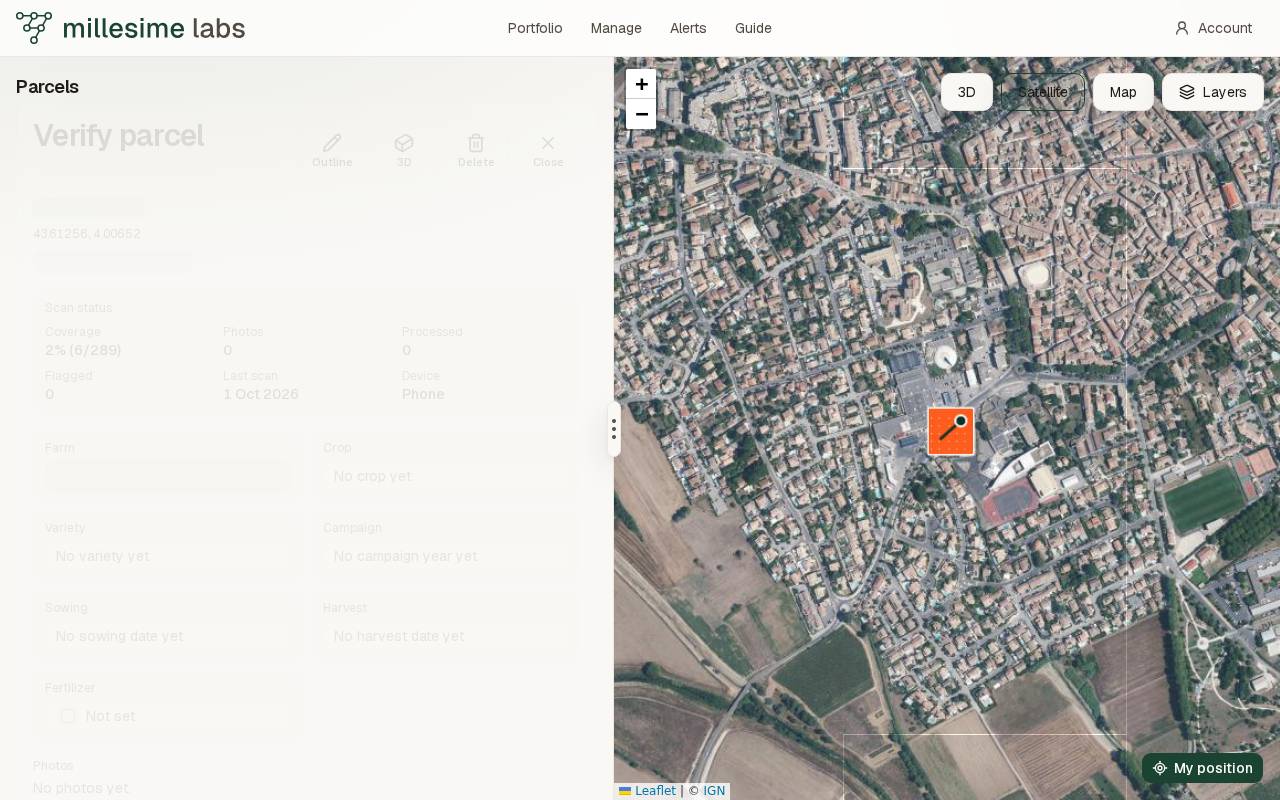
The map and the menu stay the height of the window. Only the list scrolls. Drag the edge between the list and the map to change the width on a wide window, or the list height on a phone. Double-click that edge to restore the original size.
What it shows
The fiche shows the name, the city when one is known, the center of the line, the weather when it is available, the farm, the crop, the variety, the campaign year, the cycle dates, and the photos. Under the weather, Scan status sums up the scans. That card is its own page: The status card.
On a computer, the pointer on a parcel shows its name along the north edge, on a light plate. A phone does not.
Photos
Photos and the square for adding one are the same size, with the same top edge. They wrap onto more rows when the list gets narrower. That square is labelled Add or drop a photo to upload it. A photo can be dropped only on that square. While it is dragged over the square, the border is dotted.
A photo is a JPEG, PNG, or WebP under 4 MB. A parcel holds 8 photos. These are pictures you attach to the fiche. They are separate from the pictures a walk takes.
A parcel can also be opened from its address, with the fiche open. A square has its own address: the same parcel, and that square's card.