



Admin
The admin address can open Overview, Users, Parcels, Jobs, the log, the catalog, and the inspector.
Admin appears in the account menu only for the admin. The admin is the address in ADMIN_EMAIL after that person signs up. Any other account cannot open that page.
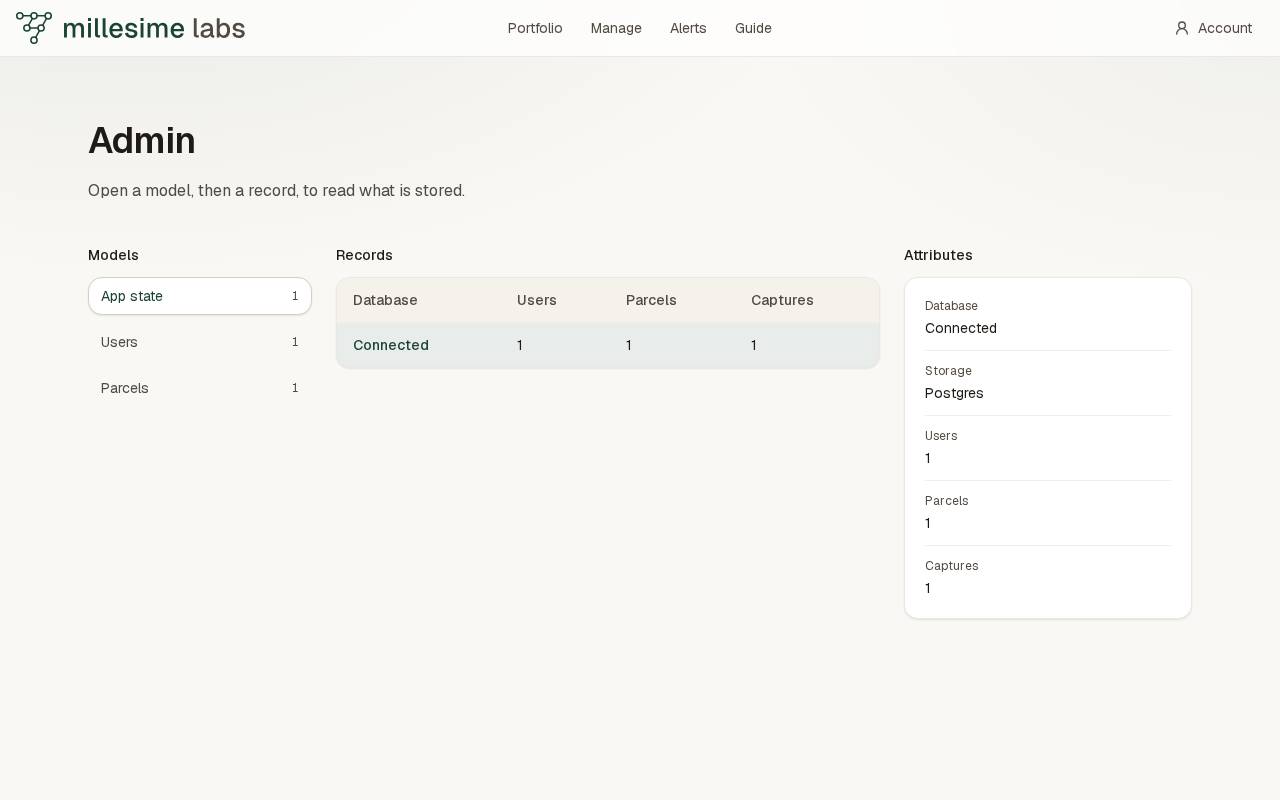
The page reads what is stored. It does not show a password or a token. The sections are Overview, Users, Parcels, Jobs, Audit log, Catalog, and Inspector.
- Open a section from Sections.
- Search or sort when the table offers it.
- Read the rows, or open Inspector for a stored model.
Overview shows the same counts as the metrics route: users, parcels, captures, and whether the database is connected. Jobs lists parcels to reprocess. Run posts the reprocess for that parcel. A crop with no training rows stores no finding.
Inspector is the earlier model panes: App state, Users, and Parcels. Select a record to read its attributes. A parcel's attributes include the crop, the farm, the city, and a short geometry summary.