



Layers
Layers shows or hides the outline, the coverage, the path, findings, air, and two flight layers that wait for tiles.
At the top right of the map, next to Satellite and Map, press Layers.
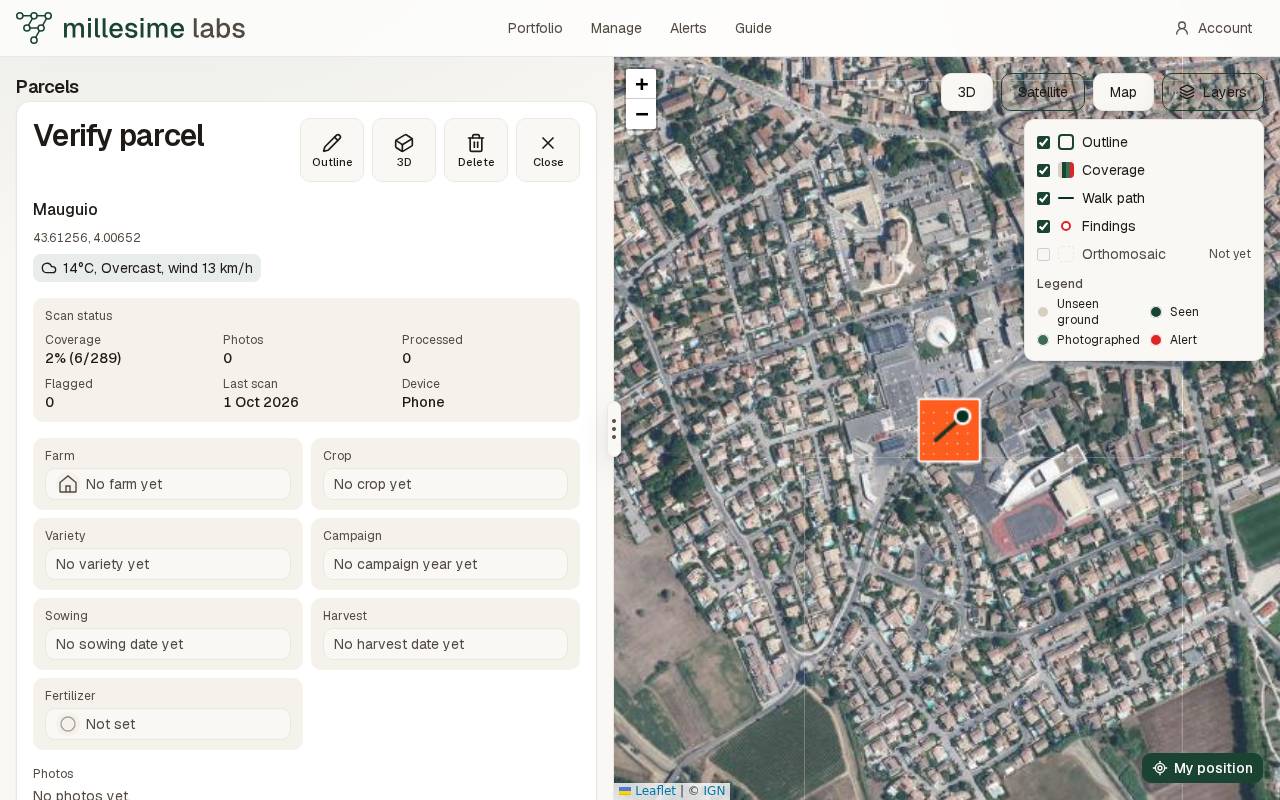
Each box shows or hides that layer. The choice is saved on your account and comes back on another device.
The layers
- Outline is the parcel's trace. A hidden outline still answers a click in the middle of the parcel.
- Coverage is the grid of squares seen by the walk or the flight.
- Walk path is the line through the stored points, with a dot on the last one. Path in the 3D view is this switch.
- Findings is a red ring on each square where a picture raised an alert. It stays when coverage is hidden, and it opens that square.
- Air is one dot per Atmotube reading, where it was taken. The measure and the legend are on The Air layer.
- Orthomosaic and Elevation stay greyed out and say Not yet until a finished flight has those tiles. You cannot turn them on before that.
Under the list, the legend gives the square colors: Unseen ground, Seen, Photographed, Alert. They are the same colors as in 3D.