



Outline
Click a field to fetch the RPG parcel, then the cadastral parcel, or draw the line yourself.
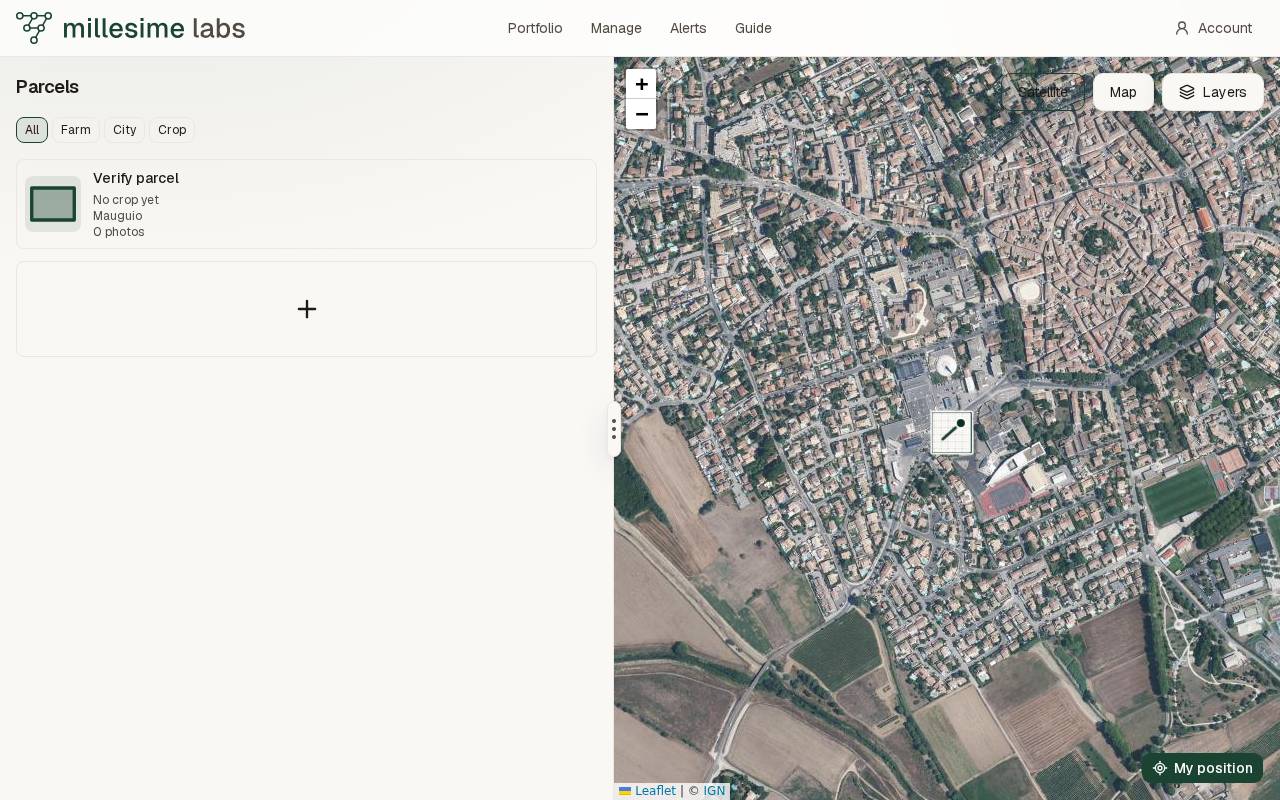
On the parcel map, press the plus labelled Add a parcel.
From the RPG or the cadastre
- Zoom in until you can see the field.
- Click the field. The map says Looking up the outline.
- When the outline appears, drag a corner to move it. Click the boundary to add a point.
- Press Save. The accessible name of that button is Use this outline.
The lookup asks the IGN APICarto service for the agricultural parcel in the Registre parcellaire graphique, year 2024, then 2023. If those have no field at the click, it asks for the cadastral parcel. The smallest parcel that contains the click is the one kept, simplified to at most 40 points. It is a closed outline.
Trim cuts a piece off: click the two corners of the piece. Merge adds a neighbouring block that touches the outline. If the blocks do not touch, the map says so.
If a crop code on the agricultural parcel is one Millesime knows, the map says Detected crop and that crop is saved with the parcel.
Draw it yourself
Press Draw it yourself. Click the map to add each point. Undo removes the last one. Finish moves on to the name. You need at least two points. A line drawn by hand is not a closed outline, so a walk cannot follow it until you edit it into a closed shape.
Name it
Give it a name, 80 characters or fewer, then Save parcel. The fiche opens next.