



Create a farm
A farm is a name on this account. A parcel can point at one farm.
In the app menu, Manage sits next to Parcels. The page has two tabs: Farms and Parcels.
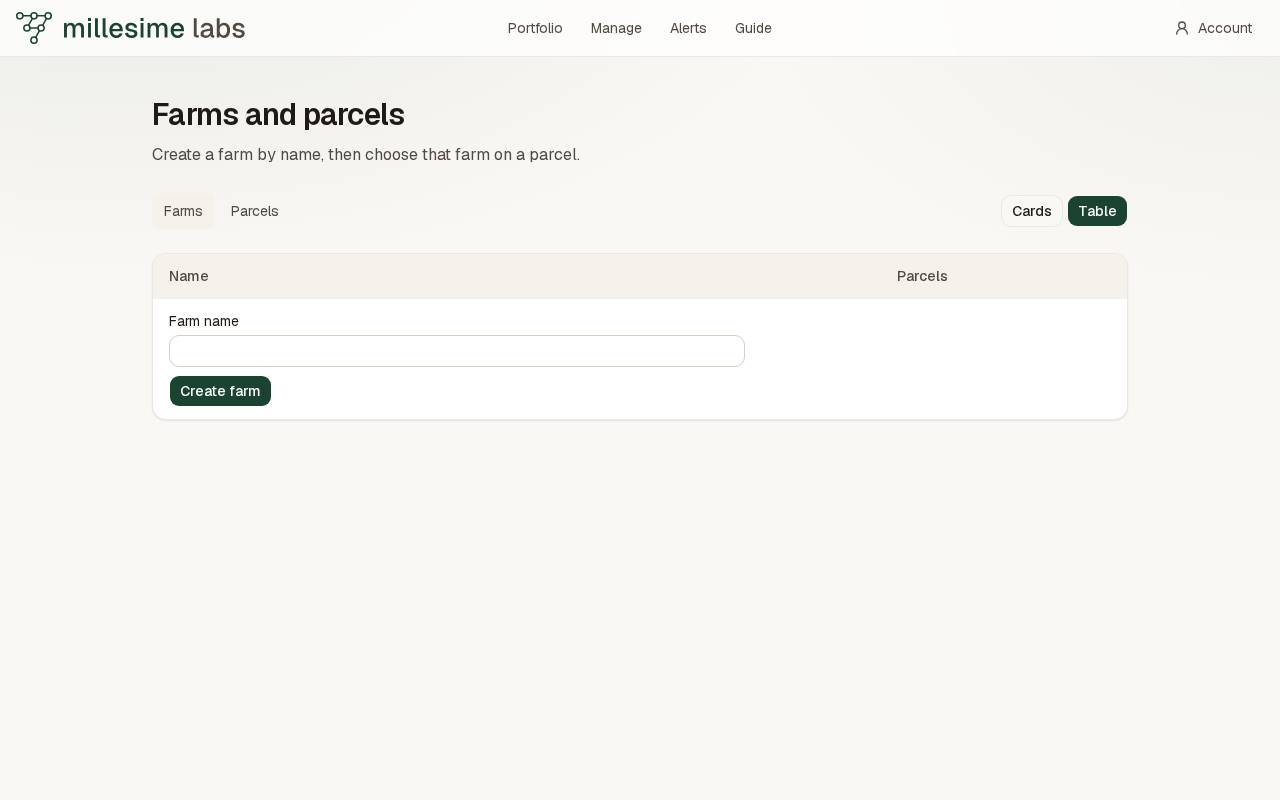
Add a farm
- Open Farms.
- Enter a name, 80 characters or fewer.
- Press Create farm.
The same account cannot store that name twice. A photo can be added on the farm card: JPEG, PNG, or WebP, under 4 MB. Add a photo and Change the photo are on the card.
Find a parcel from here
Cards or Table stays the choice of this browser. A phone opens cards. A wide window opens the table. Under the list, Previous and Next change the page.
A farm name opens its parcels. A parcel name opens the map on that parcel. On the fiche, the Farm menu lists this account's farms, with their photo. No farm clears the link.