



The device
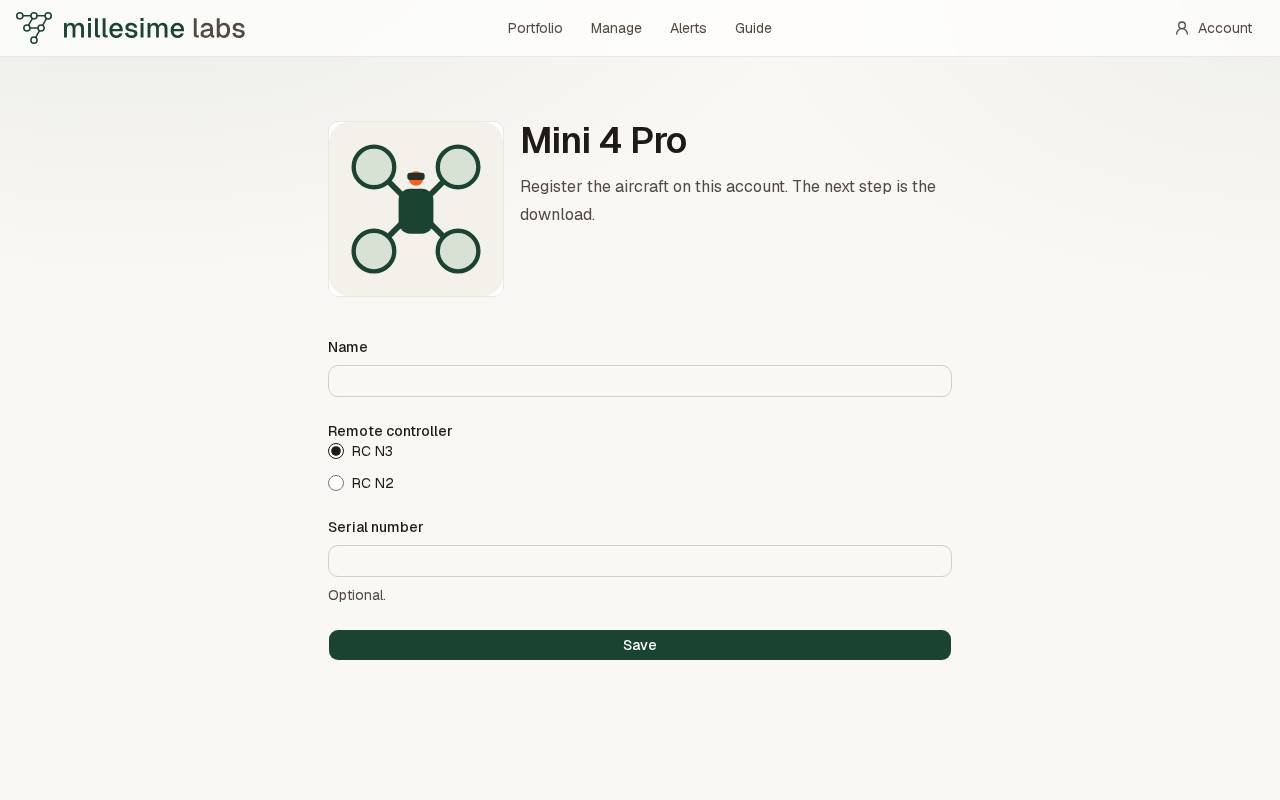
Add Mini 4 Pro opens the form. Save puts the aircraft on this account.
In the account menu, open Devices. Under Add a device, press Add Mini 4 Pro. The page shows a photograph of the aircraft.
Register it
- Enter a name.
- Leave the remote controller on RC N3, or choose RC N2.
- The serial number is optional.
- Press Save.
The aircraft is then a card on this account. The card walks through the download, the controller, and the code.
The Atmotube PRO 2 is added the same way, with Add Atmotube PRO 2. It is described under The Atmotube PRO 2.