



Alerts
Each alert belongs to one parcel and comes from a photo taken on a walk.
Alerts is in the app menu, next to Manage. The page lists crop-health alerts for this account. Each alert belongs to one parcel and comes from a photo taken on a walk.
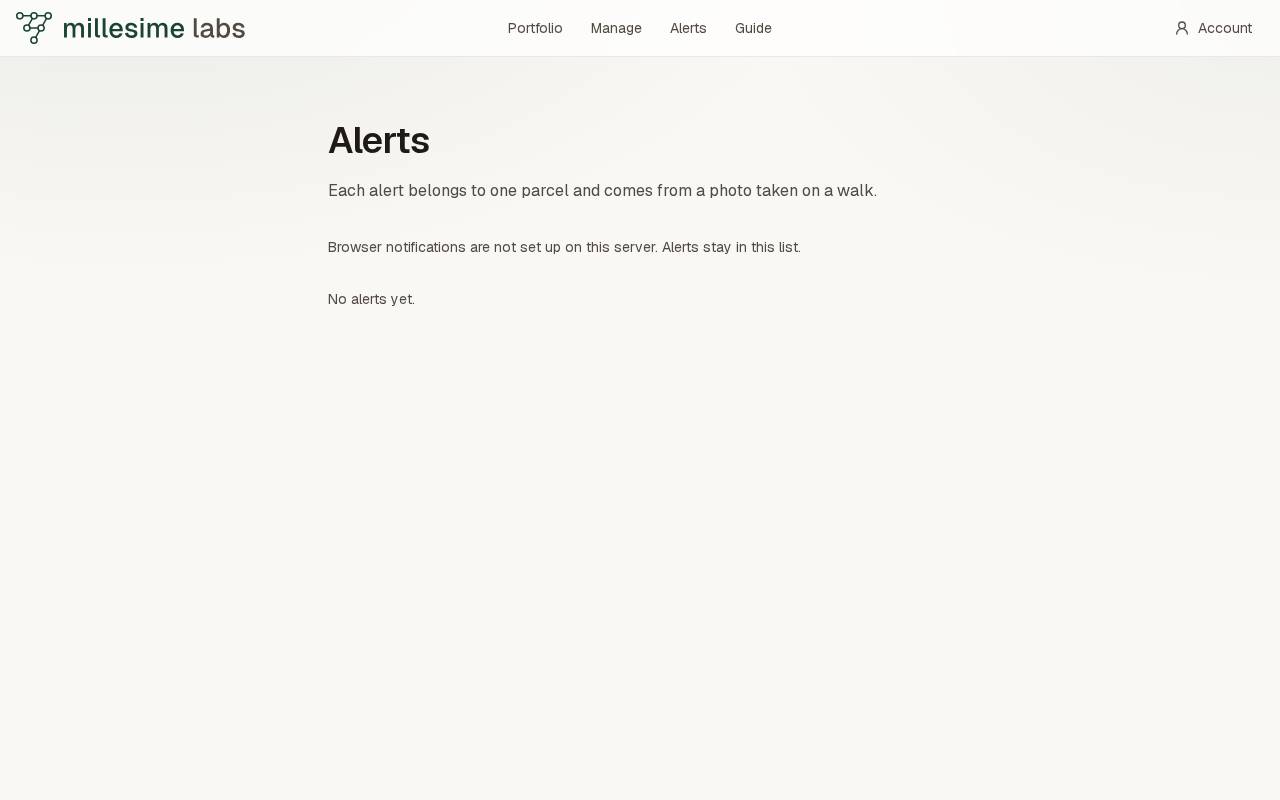
The list is empty until a photo produces one. The empty line is No alerts yet.
An alert is raised when picture analysis matches the photo to a training row for that crop. It does not invent a disease. A crop with no training rows stores no finding, and the fiche says so before the walk.
Notifications
Turn on notifications asks the browser for Web Push. When they are on, the page says Notifications are on. If the browser blocks them, or they are not set up on this server, the alerts stay in this list. The page says which of those it is.
A finding also draws the red ring on the Findings layer and colors that square as an alert in the 3D view.