



History
A strip under the campaign fields shows the parcel as it stood at a chosen walk.
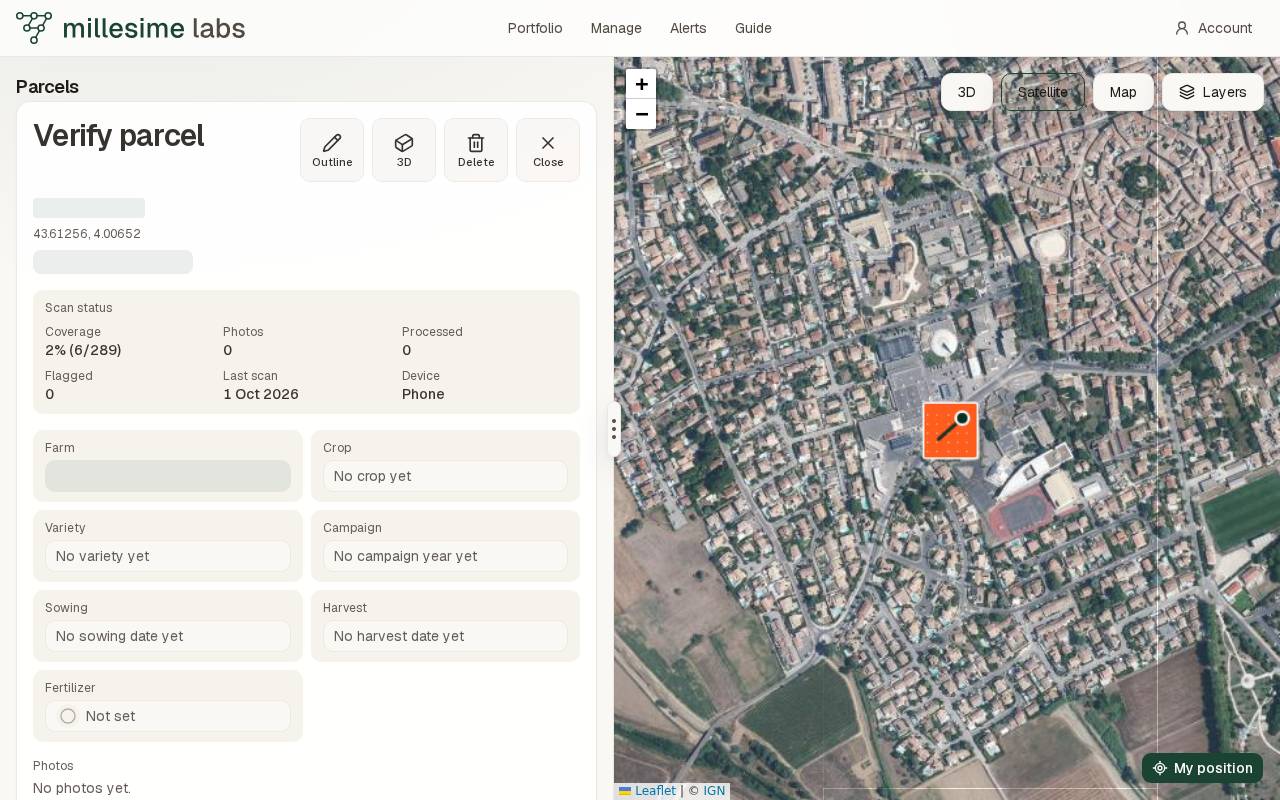
On the fiche, under the campaign fields, History lists the parcel's walks. Each walk is a mark on a strip, with its date and the device that made it, phone or drone. The strip runs from the first walk to today. By default the map shows today.
Look at a date
Drag the slider, or press a walk's mark, to see the parcel as it stood at that instant. The map redraws the coverage, the squares, and the path with what existed at that date and had not yet been deleted. The 3D view does the same: the same strip sits at the bottom of the view, and its header gives the last scan date and the coverage at that instant.
A banner on the map says Map as of and the date. Back to today returns the map to the present. Choosing another parcel does too.
When that day has more than one walk, Earlier that day and Later that day move from one to the next. Each step shows the parcel at that walk's time, including walks from earlier days.